Process improvement tools define your methodology, while software provides the digital engine to execute it. By pairing frameworks like Lean, Agile, or BPM with the right platform, you eliminate bottlenecks and scale output. We have ranked the top process improvement tools and software for 2026 to help you select the technology that operationalizes your strategy. Scroll down to find the perfect stack for your business needs.
What if your workflow bottlenecks are actually profit leaks in disguise? It’s common for companies to try to fix efficiency issues without having a clear plan in place. If there’s a gap between what you want to achieve and how your team actually gets things done, that’s usually where your growth hits a wall.
Here we’ve broken down the top process improvement tools and software so you can pick the tech that actually fits your needs.
To get started, let’s clear up the difference between the frameworks you choose and the software that runs them.
What is the Difference Between Improvement Tools and Software?
Many leaders mistake a methodology for a software solution. A process improvement tool, or methodology, is the how. It represents the mental framework, like Lean, Six Sigma, or Agile, that guides your team’s behavior. It is the strategy you choose to identify waste or manage quality.
Software is the ‘where’. It provides the digital infrastructure to execute your strategy. Without software, your methodology remains a theory on paper. Without a clear methodology, your software just automates chaos. You need to align your chosen operational standard with a platform that enforces it.
The Best Tools and Software to Scale Your Process Improvement Strategy
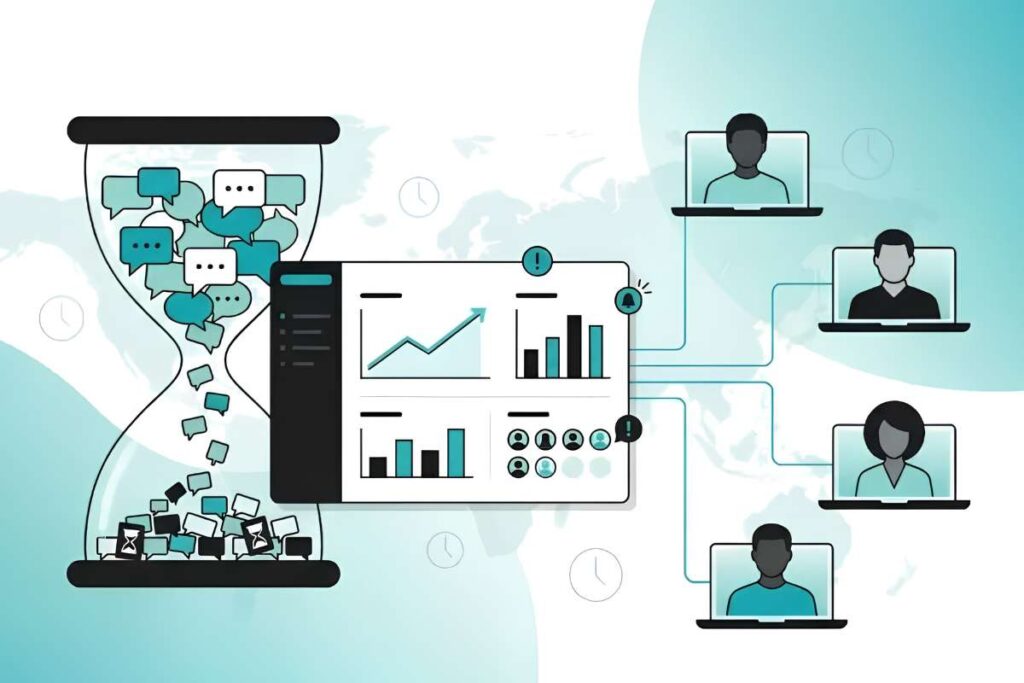
To help you find the best fit for your team, we have paired the most effective tools with the specific software platforms designed to handle them.
| Tools | Focus | Supporting Softwares |
| Lean Six Sigma | Reducing defects and waste | Minitab Engage, iGrafx |
| Agile | Speed and flexibility | Jira, Monday.com |
| BPM | End-to-end efficiency | Kissflow, ProcessMaker |
| Kaizen | Daily improvements | KaiNexus, SafetyCulture |
Here is a closer look at these platforms to help you understand how they support your specific objectives.
Lean Six Sigma
This methodology is a rigorous, data-driven approach to reducing defects and eliminating waste in processes.
It uses a five-step path known as DMAIC: Define, Measure, Analyze, Improve, and Control.
Teams use statistical data to move from feeling that a problem exists to proving it with numbers. For example, a manufacturing team might use control charts to identify that a specific machine temperature variation causes 5% of their product defects. Once the team proves the cause with numbers, they can fix the issue for good.
Supporting Softwares:
1. Minitab Engage
Minitab Engage acts as a project dashboard that hosts the entire DMAIC roadmap. It provides pre-built templates for project charters and process maps, allowing teams to store their statistical analysis and hard savings data in one file.
- Key Features: Statistical process control, project lifecycle tracking, pre-built quality templates.
- Pros/Cons: Highly accurate for complex data, but requires specialized training to master.
2. iGrafx
iGrafx specializes in process mining and simulation. It helps you see how work moves in your systems and identifies where costs grow. It allows you to simulate process changes to see if they will actually fix the defect before you commit to a new workflow.
- Key Features: Advanced process discovery, predictive simulation, real-time analytics.
- Pros/Cons: Visualizes hidden problems that manual audits miss, but it requires clean system data to function well.
Agile
Agile is a way of working that focuses on taking small, steady steps. Instead of planning a huge project for months, teams work in short, two-week bursts. This helps them fix problems quickly based on what is happening right now. It is a popular way to manage this using a board with cards. You move the cards as you finish tasks so no one gets overwhelmed with too much work.
Supporting Software:
When searching for agile-focused process improvement Tools and Software, these two platforms are the most effective options:
1. Jira
Jira is designed for teams that need to manage complex steps. It helps you track how much work your team gets done in each burst. It uses simple charts to show if you are on track, which makes planning easier for technical teams.
- Key Features: Sprint management, detailed reports, automatic task setup.
- Pros/Cons: Great for big, technical teams, but it can be hard to learn if you do not work in IT.
2. Monday.com
This platform makes managing work easy to see. It uses simple boards to show the method. You can see exactly where a project is stuck without needing to look at confusing data dashboards.
- Key Features: Custom work plans, different board views, tracking team resources.
- Pros/Cons: Very easy for any team to use, but it can get messy if you add too many items to your board.
Business Process Management (BPM)
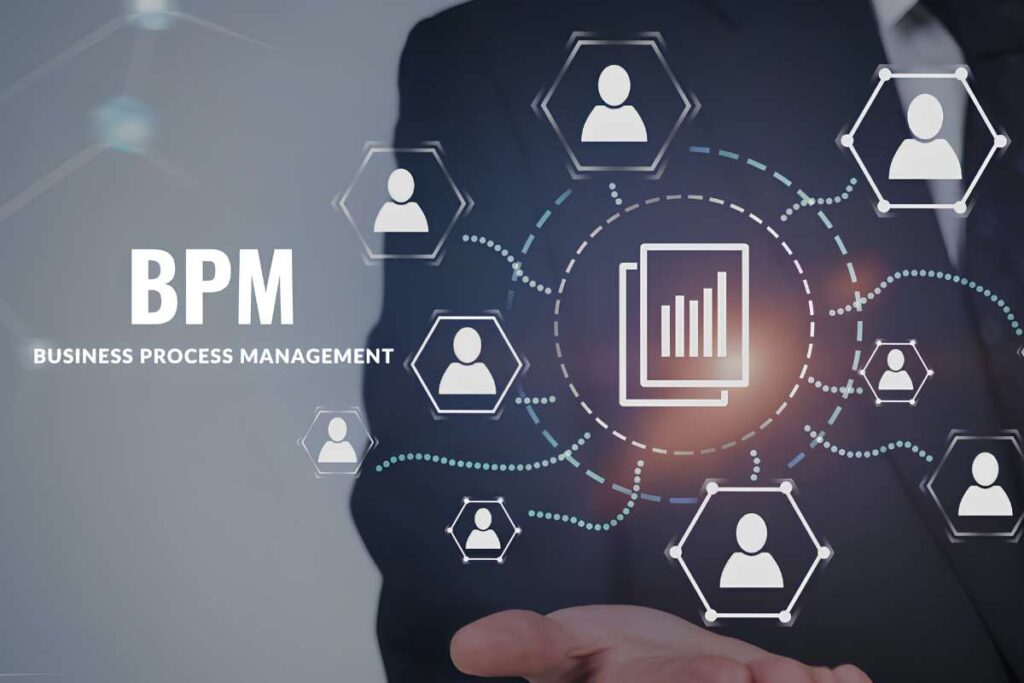
BPM helps companies keep their work smooth, safe, and efficient. It treats business tasks like valuable assets that need care. You map out every step of a process, such as hiring a new worker or approving an order, to find where work slows down. It helps data move smoothly between teams, which cuts down on human mistakes.
Supporting Software:
1. Kissflow
Kissflow uses simple tools to build digital workflows. Think of it as a traffic guard for your data. It enforces rules, such as automatically sending a large purchase request to the finance head for approval. It also keeps a clear record of every action, which helps you stay compliant with company rules.
- Key Features: Visual workflow builder, rule-based routing (if/then rules), and clear activity logs.
- Pros/Cons: Fast to set up and easy for non-tech staff to use, but it may lack the power needed for massive, global companies.
2. ProcessMaker
This software helps teams design and run digital workflows. It manages forms and reports to remove busy work from large, complex company tasks. It acts as a central hub for heavy-duty business processes.
- Key Features: Advanced workflow mapping, high-level security, and many options to connect with other software.
- Pros/Cons: Strong focus on complex, large-scale tasks, but it takes more technical effort to get up and running.
Kaizen
Kaizen is a Japanese idea. It teaches that making small, daily improvements should be a habit for everyone, not just a task for managers. It uses a simple cycle: Plan, Do, Check, and Act.
A worker on the front line finds a small problem, like a safety risk or wasted time. They suggest a fix, test it, and check the results. If the change works, it becomes the new way of doing things.
Supporting Software:
1. KaiNexus
Think of this as a digital suggestion box that tracks ideas from start to finish. It keeps good ideas from getting lost in email chains. It also makes improvement fun by showing leaders how many changes each team has made.
- Key Features: Idea capture, strategy tracking, problem-solving templates.
- Pros/Cons: Great for building a culture of change, but it is a niche tool not meant for building software.
2. SafetyCulture
This tool is for audits and inspections. It is perfect for teams that need to check their daily work processes. Workers can use their phones to report issues, like a broken tool. This turns the report into a task for a manager right away.
- Key Features: Mobile inspections, quick fixes, performance reports.
- Pros/Cons: Excellent for field work, but it is built for safety and quality checks, not general project management.
How To Select The Right Process Improvement Software?

Choosing the right platform is not about buying the software with the most features. It is about finding the software that fits your operational needs. As businesses face AI saturation, simplicity is often a competitive advantage, helping teams accomplish goals with clarity rather than piling on unnecessary tools.
Evaluation Checklist:
- Define your goal first. Are you looking for compliance (BPM), speed (Agile), or quality (Lean)? Do not buy a tool just because it is popular.
- Your new software must connect with your existing stack. If it does not talk to your ERP or CRM, you will create data silos instead of solving them.
- If the tool is too hard to use, your team will ignore it. Test the interface with a small pilot group before a full rollout.
- Automation should assist your experts, not replace them. Ensure the tool allows for manual oversight in critical decisions.
- Calculate what it costs you today to run your manual processes. If the software saves more than it costs over 12 months, the investment is usually sound.
Conclusion:
The right choice depends on your specific goals and team size. The best process improvement tools and software act as a foundation for growth rather than just another login to manage. Start by aligning your chosen method with your digital setup, stay consistent, and watch your operations run smoother. The investment you make in these tools today will pay off in long-term efficiency.
FAQ
Should you automate a process before improving it?
No. Automating a broken process only creates chaos faster. Map the process, remove waste, and stabilize it first. Only then should you look for the right process improvement tools and software to help with automation.
Can small businesses benefit from enterprise-grade BPM tools?
Sometimes, but simplicity is key. Ensure the tool scales with you rather than forcing complex workflows onto a small, agile team.
What is the primary indicator of successful software adoption?
Active use is not enough. The true indicator is process impact, such as shorter cycle times, fewer manual errors, or measurable cost savings across the department.